Appearance
Profile & Settings
Profile
What it's for
A read-only view of your own account — name, role, status, email, phone.
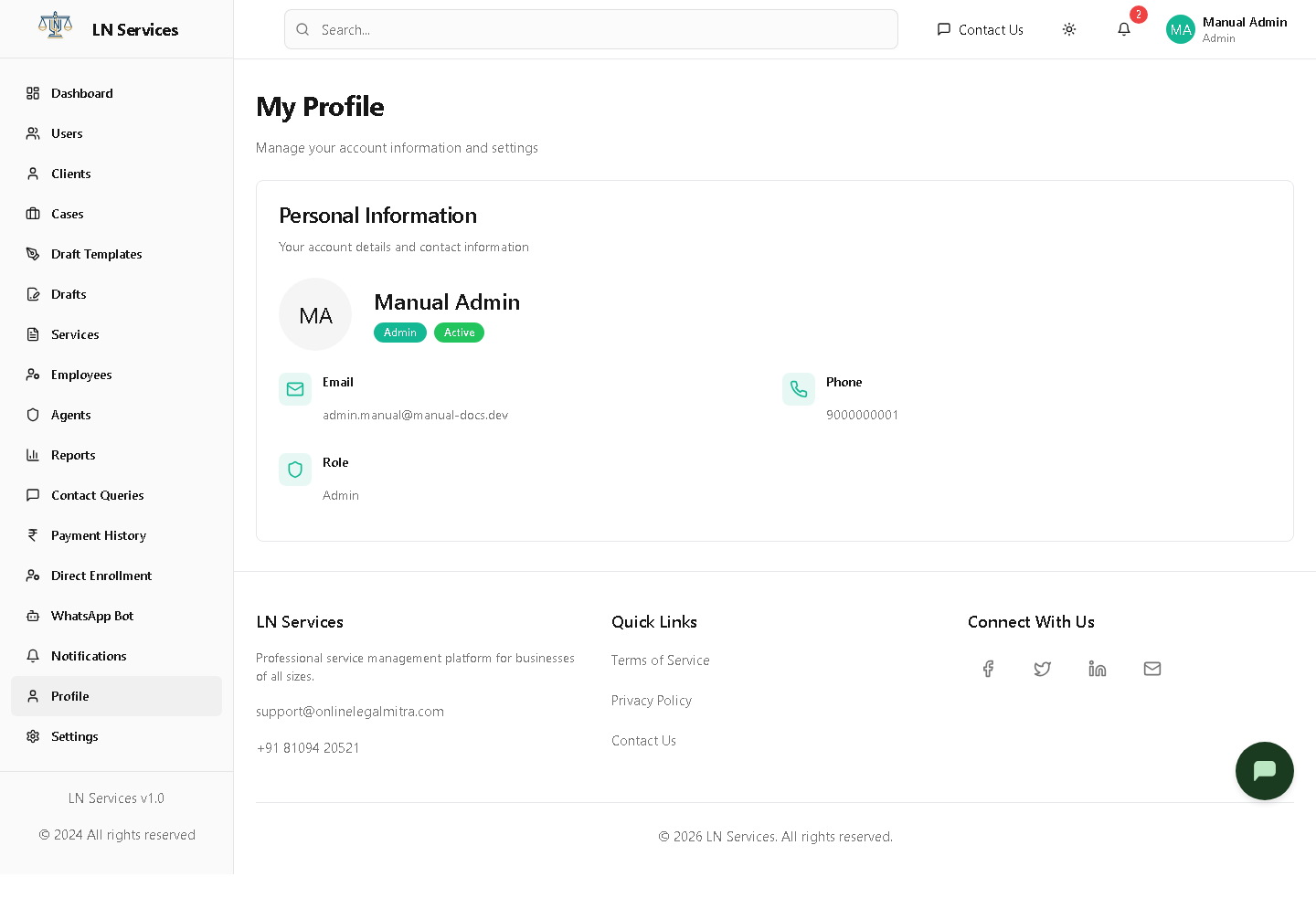
There's nothing to click here; to change any of this, go to Settings.
Technical Notes
Purely reads from the logged-in user's data already held in AuthContext — this page makes no API call of its own.
Settings
What it's for
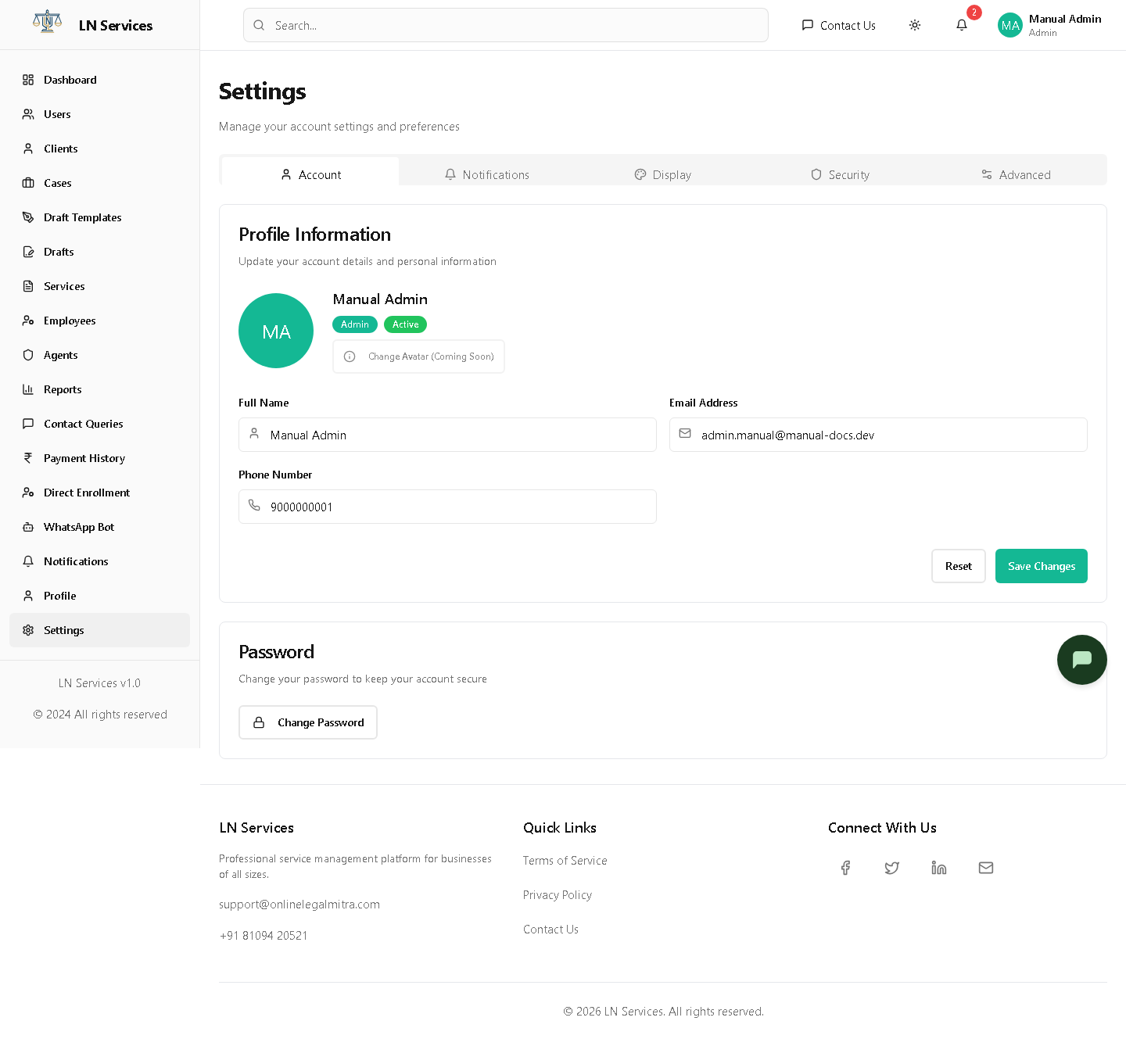
Update your own name/email/phone and change your password. The Notifications, Display, Security, and Advanced tabs are placeholders for now.
Steps: update your profile
Edit Full Name, Email, or Phone under the Account tab and click Save Changes (or Reset to discard edits).
Steps: change your password
Click Change Password, enter your current password and a new one twice, and confirm.
Technical Notes
As of this writing, the Account tab's Save Changes and the Change Password dialog are UI-only — the calls to adminService.updateProfile() / changePassword() are commented out in Settings.tsx pending backend wiring, so submitting them currently has no real effect. Worth a heads-up to staff so they don't assume a password change here actually took effect; use the Forgot Password flow from the login page instead until this is completed.