Appearance
Communications
Everything related to talking to clients and staff outside of a specific case: inbound contact-form queries, in-app notifications, and the WhatsApp bot.
Contact Queries
What it's for
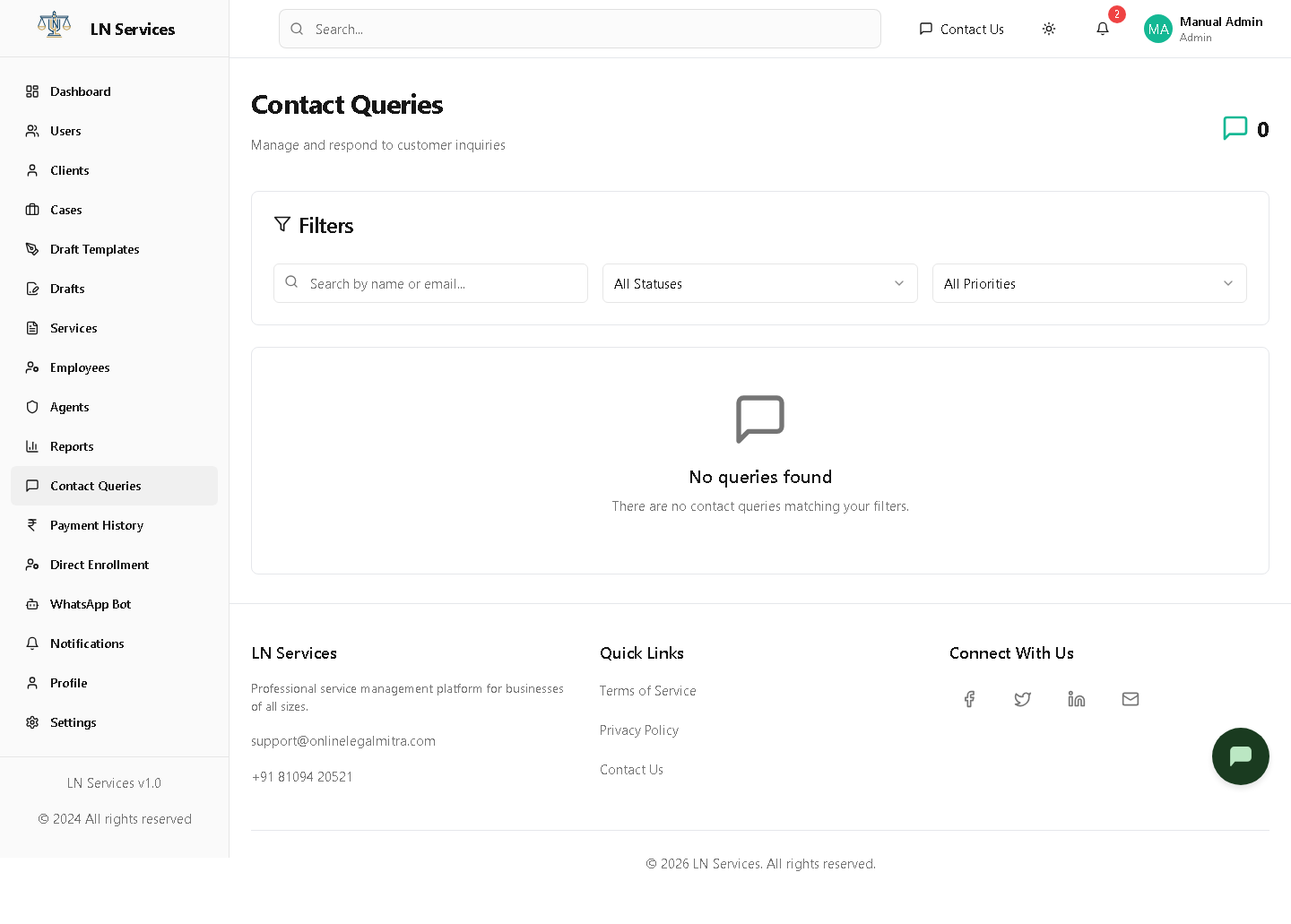
Every message submitted through the public "Contact Us" form (or by a logged-in user), triaged by status and priority.
Steps
- Use the search box or the Status/Priority filters to find a query.
- Click anywhere on a query card to open it.
- Inside, type a reply and click Send Response; you can also change its Status/Priority, or Assign it to an employee to handle.
Technical Notes
GET /api/contact/queries for the list, GET /api/contact/queries/:id for detail, POST /api/contact/queries/:id/response, PUT /api/contact/queries/:id/status, PUT /api/contact/queries/:id/assign.
Notifications
What it's for
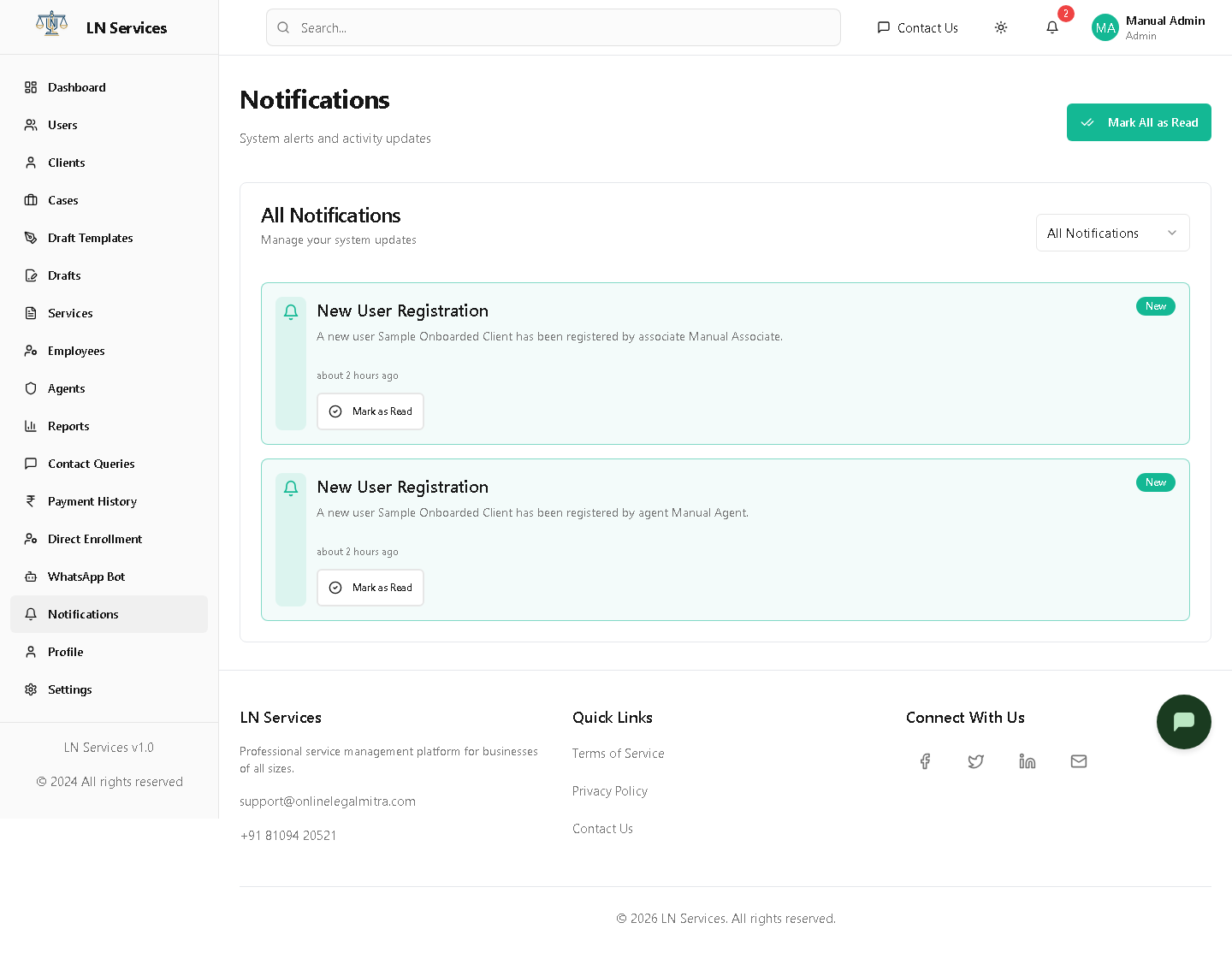
System-generated alerts — e.g. a new case created, a draft submitted — with a link straight to whatever triggered them.
Steps
Click a notification to view/act on what it references (usually a case); click Mark All as Read to clear the unread badge; use the read-status filter to show only Unread or only Read.
Technical Notes
GET /api/admin/notifications, PUT /api/admin/notifications/:id/read, PUT /api/admin/notifications/read-all.
WhatsApp Bot
What it's for
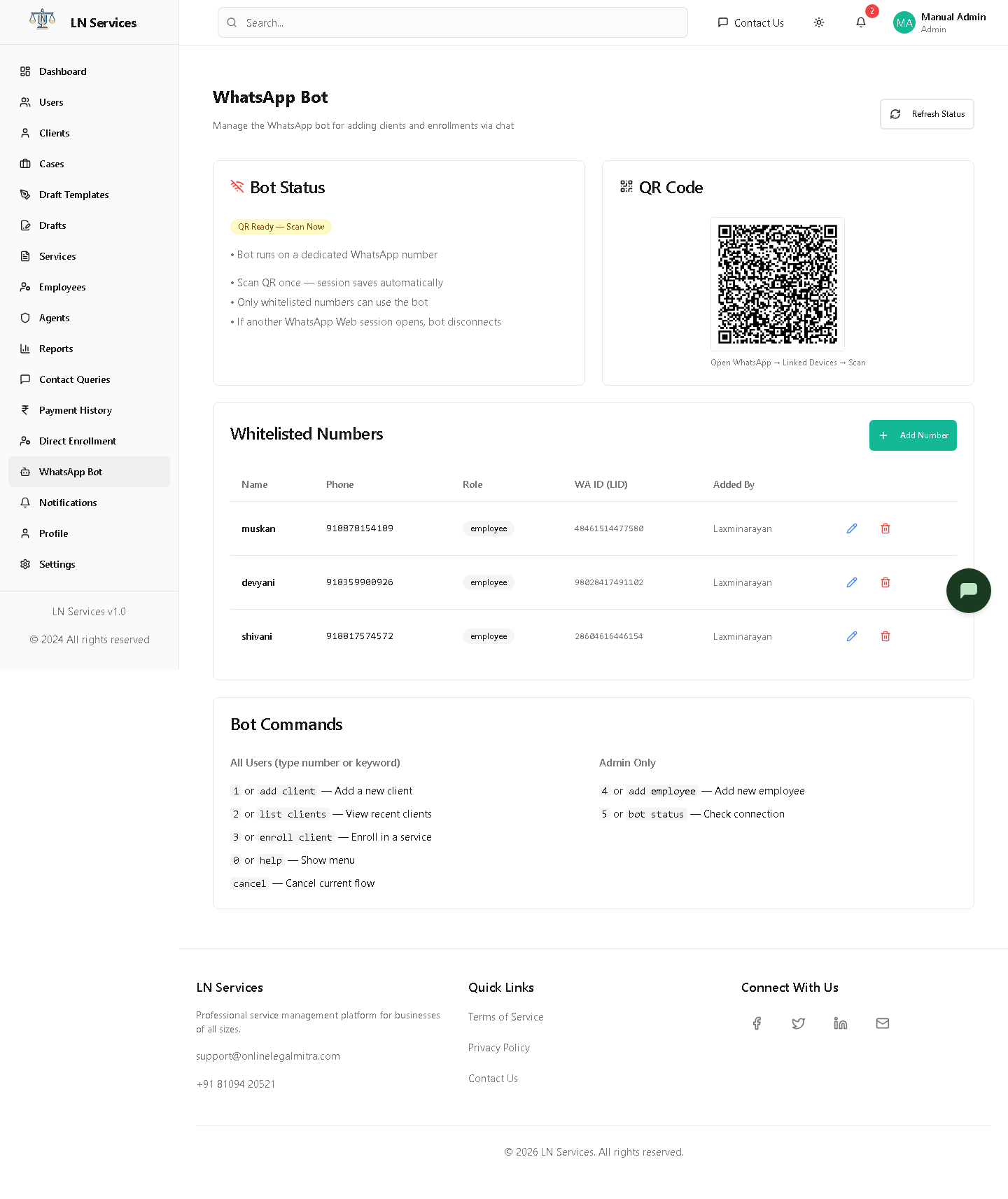
LN Services runs a WhatsApp bot (built on the Baileys library) that whitelisted staff can message directly to add clients, enroll them, or add an employee — without opening the web app. This page manages the bot's connection and who's allowed to use it.
Steps: (re)connect the bot
If the status shows anything other than connected, open WhatsApp on the paired phone → Linked Devices → Scan the QR code shown here. Click Refresh Status to poll for the latest connection state, or Reconnect & Reset Session if it's stuck disconnected.
Steps: manage who can use it
Click Add Number and fill in Phone, Name, and Role to whitelist someone. Use the row's pencil/trash icons to edit or remove an entry — only whitelisted numbers can issue commands to the bot.
Technical Notes
GET /api/whatsapp/status, POST /api/whatsapp/reconnect, GET/POST /api/whatsapp/whitelist, PUT/DELETE /api/whatsapp/whitelist/:id. The bot session persists across restarts once paired — scanning is only needed again if another WhatsApp Web session takes over the same number, per the note shown on this page.