Appearance
Payments & Coupons
Payment History
What it's for
Every payment transaction across the whole platform, in one searchable, exportable ledger — with quick links back to the case or a printable receipt.
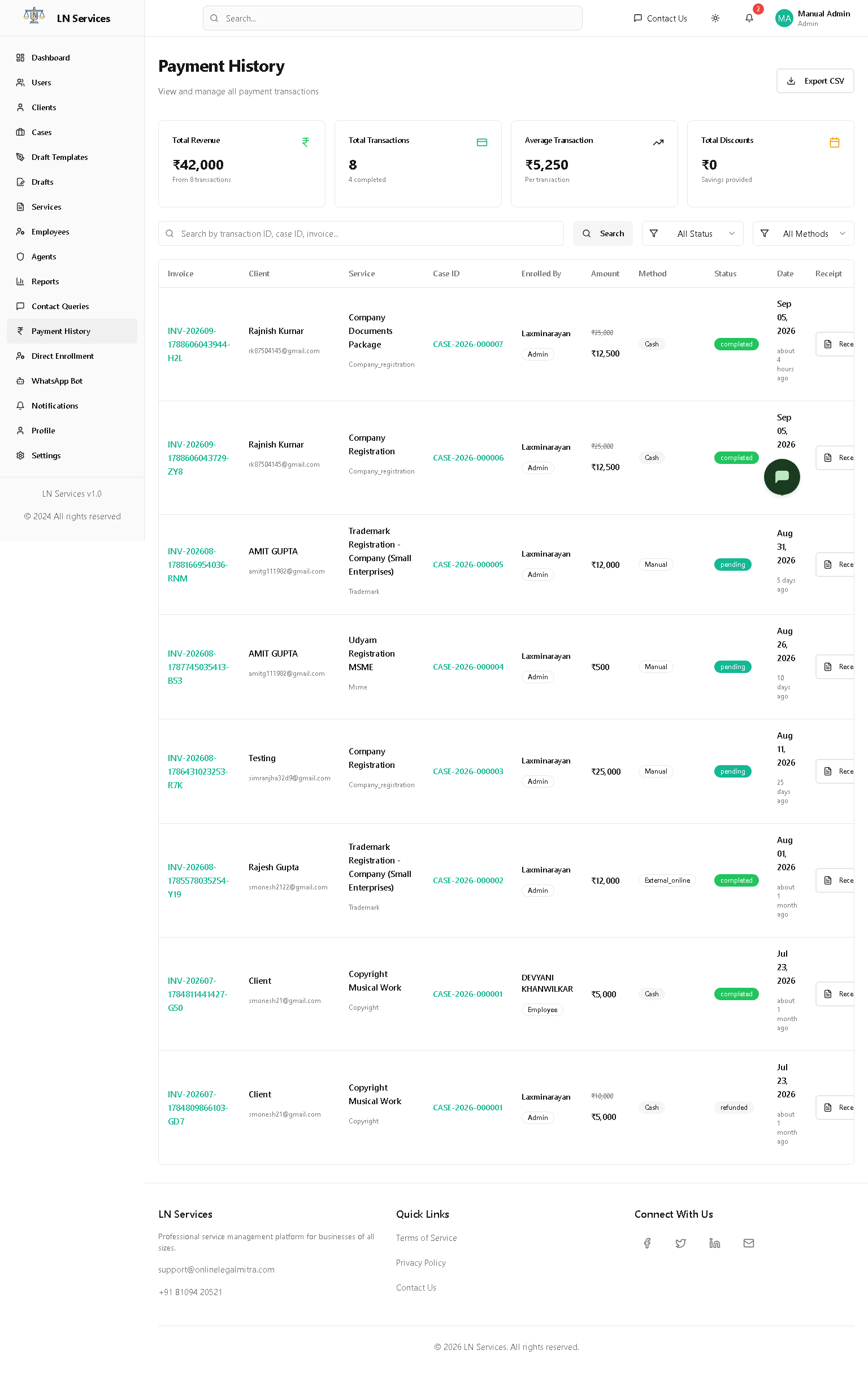
What you're looking at
- Analytics cards: Total Revenue, Total Transactions, Average Transaction, Total Discounts.
- Table: Invoice number, Client, Service, Case ID, who enrolled them (Admin/Agent/Associate/Employee/Self), Amount (with the original price struck through if a coupon was applied), Method (Cash/Razorpay/Test Payment), Status, Date.
Steps
- Click a Case ID to jump to that case in Case Management.
- Click Receipt on a row to view/print it.
- Use the search box and the Status/Method filters to narrow the list, then Export CSV to download it.
Technical Notes
GET /api/payment/history, GET /api/payment/analytics, GET /api/payment/export. This is the one payment endpoint shared by every role — admins simply see every transaction, whereas an Agent/Associate/Employee's own Payment History page filters to only what they enrolled.
Coupons
What it's for
Create percentage-discount codes that clients or staff can apply at checkout, with usage limits.
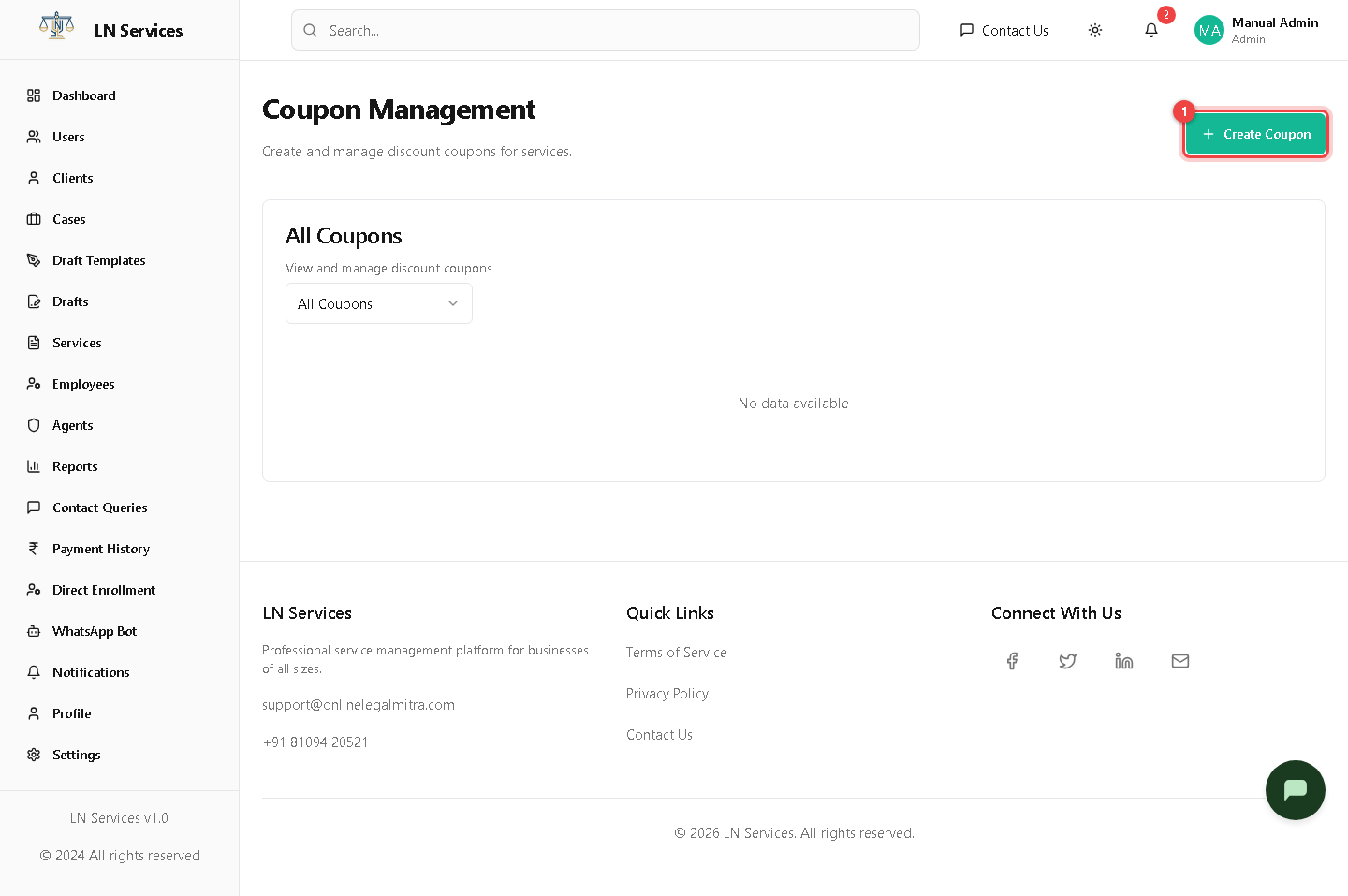
Steps: create a coupon
- Click ① Create Coupon.
- Type a code or click Generate for a random one.
- Set the Discount Percentage, a Valid From/To date range, Max Total Uses, and Max Uses Per User (e.g. one-per-client).
- Toggle Active, then Create Coupon.
Steps: retire a coupon
Click Deactivate on its row — this is a soft-delete, so past redemptions stay in the payment history.
Technical Notes
GET /api/admin/coupons, POST /api/admin/coupons, DELETE /api/admin/coupons/:id (implemented as deactivation, not a hard delete). Applied at enrollment time by the shared /api/enrollment flow, which is why a discounted payment shows the original price struck through in Payment History.