Appearance
Profile & Settings
Profile
What it's for
Your account details and the service modules (trademark, copyright, GST, etc.) you're assigned to handle — assigned by an Admin, not editable here.
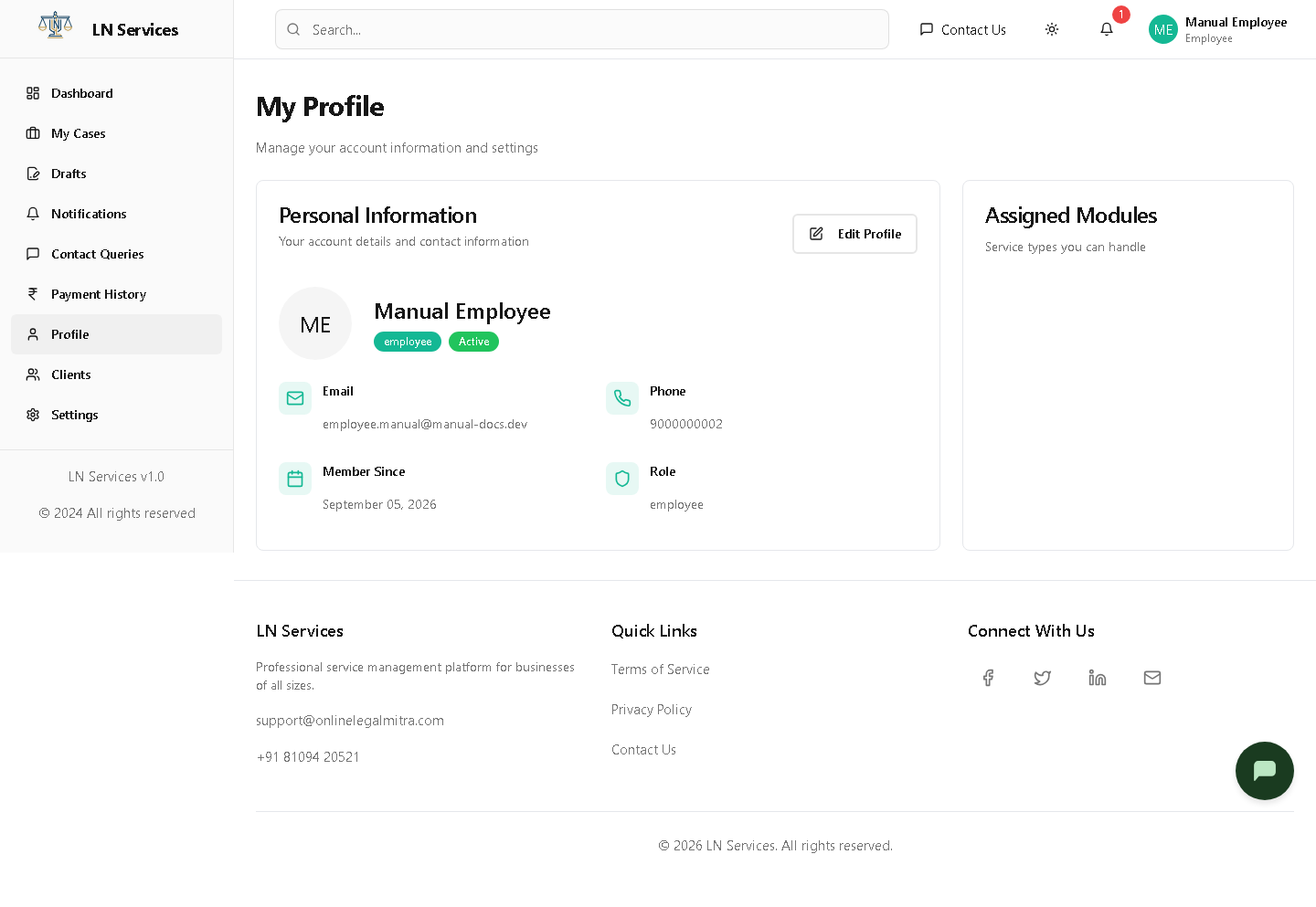
Steps: edit your details
Click Edit Profile.
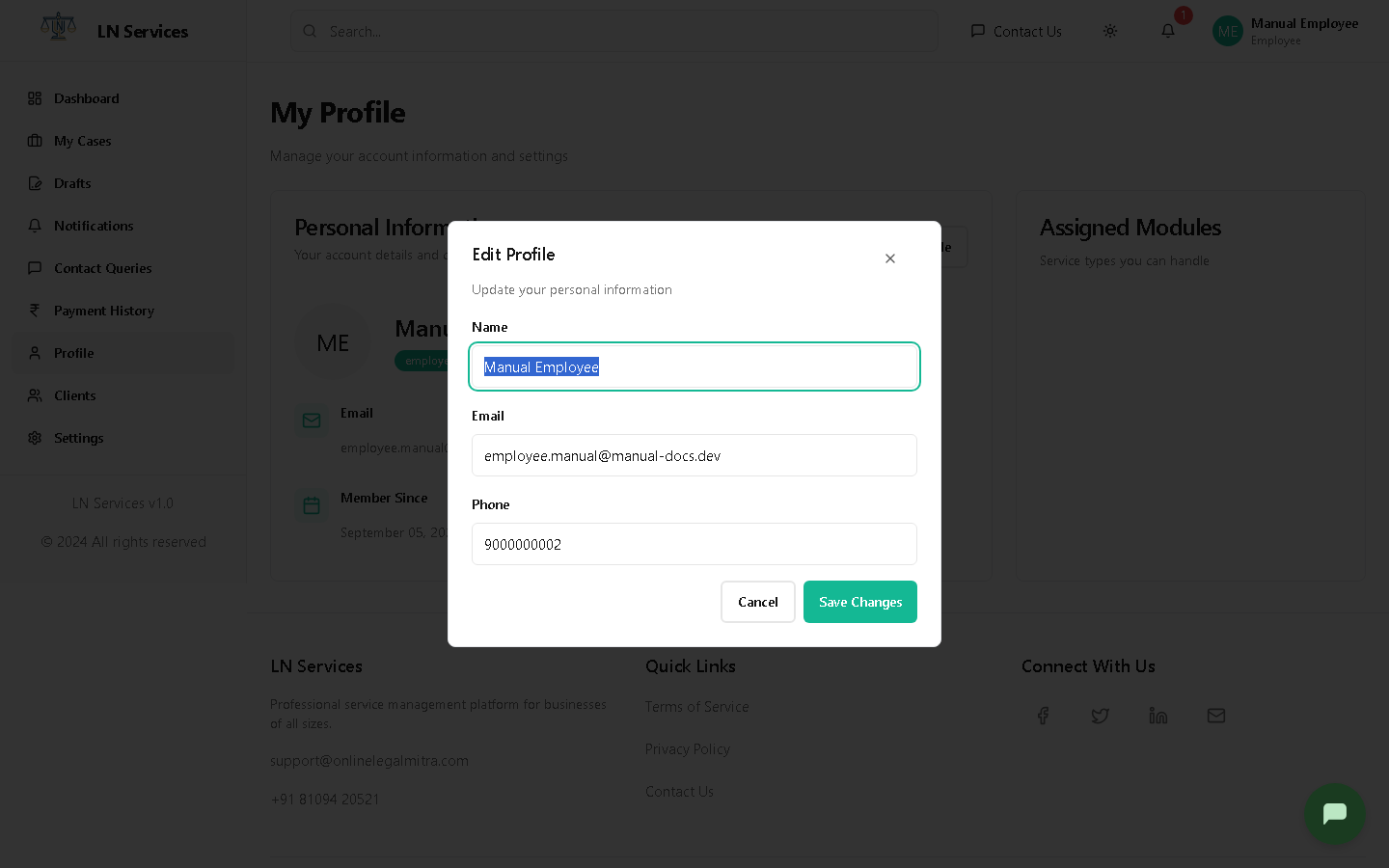
Update your Name, Email, or Phone and click Save Changes.
Technical Notes
GET /api/employee/profile, PUT /api/employee/profile. Assigned Modules come from the User.assignedModules field, set by an Admin under Employee Management — not editable from this page.
Settings
What it's for
Update your account or change your password. The Notifications, Display, Security, and Work tabs are placeholders for now.
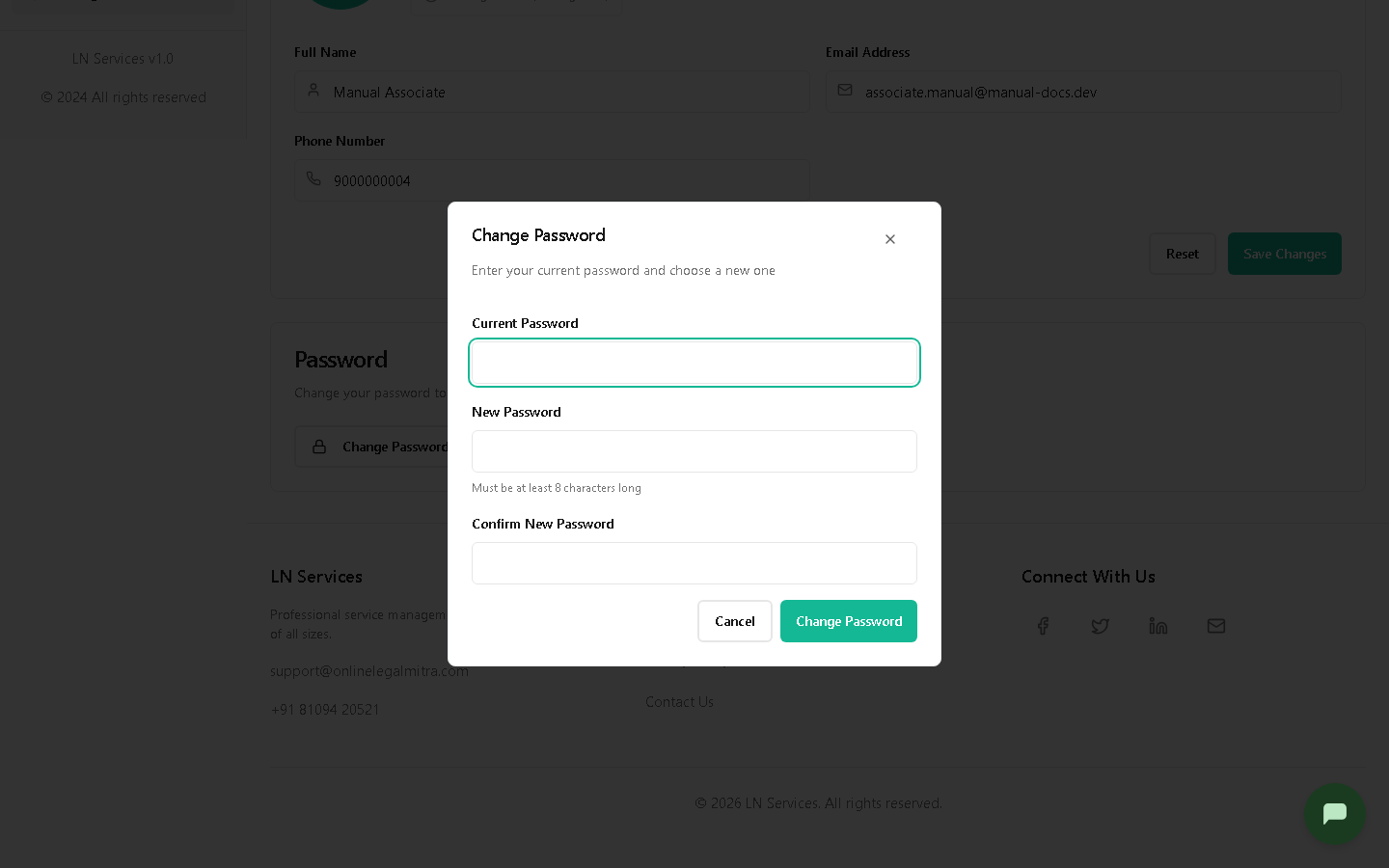
Steps: change your password
Click Change Password.
Technical Notes
As of this writing, both the Account tab's Save and this Change Password dialog are UI-only — they simulate success with a local timeout rather than calling a real API. Use Forgot Password on the login page for an actual password change until this is wired up.