Appearance
Communications
Contact Queries
What it's for
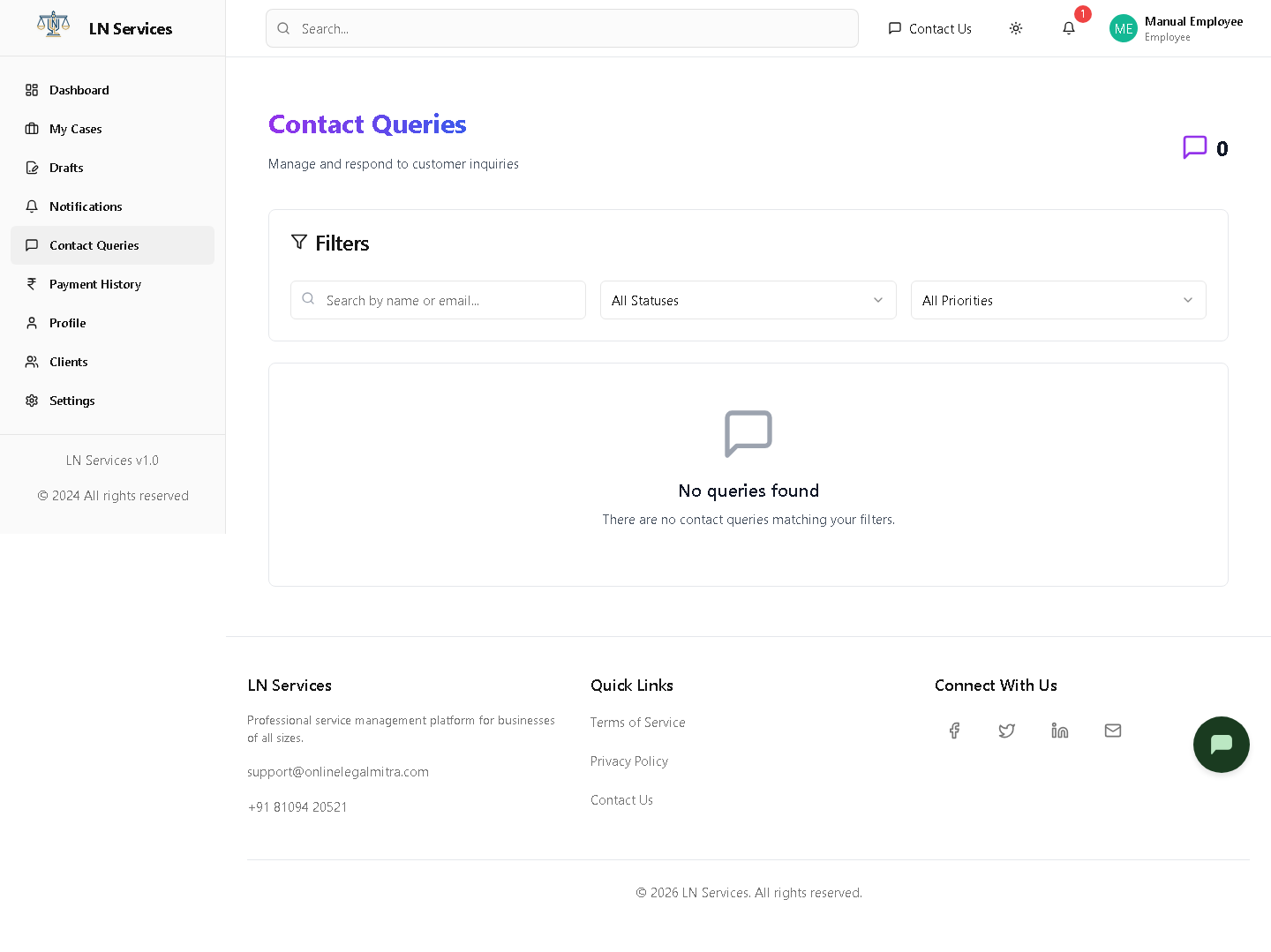
Customer "Contact Us" inquiries you can respond to and triage.
Steps
Click a query card to open it, then use the reply box and Send Response, and update Status/Priority as needed.
Technical Notes
GET /api/contact/queries, POST /api/contact/queries/:id/response, PUT /api/contact/queries/:id/status.
Notifications
What it's for
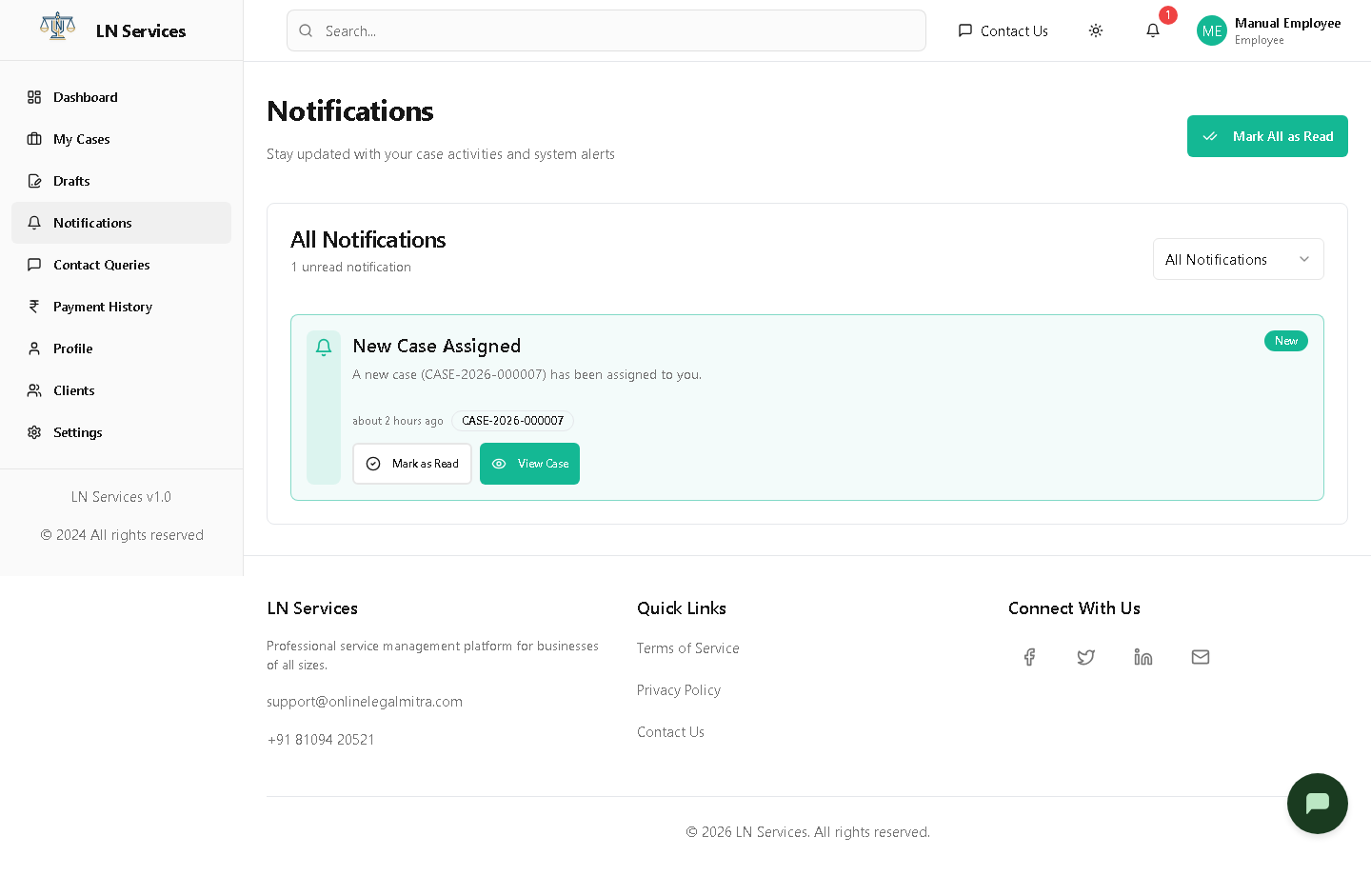
Your personal notification inbox — case updates and system alerts relevant to you.
Steps
Click Mark All as Read to clear the unread badge, or use the filter to show only unread ones.
Technical Notes
GET /api/employee/notifications, PUT /api/employee/notifications/:id/read, PUT /api/employee/notifications/read-all.