Appearance
Draft System
Drafts
What it's for
Create and track data-collection drafts for your clients — the forms used to gather information and documents needed for a filing.
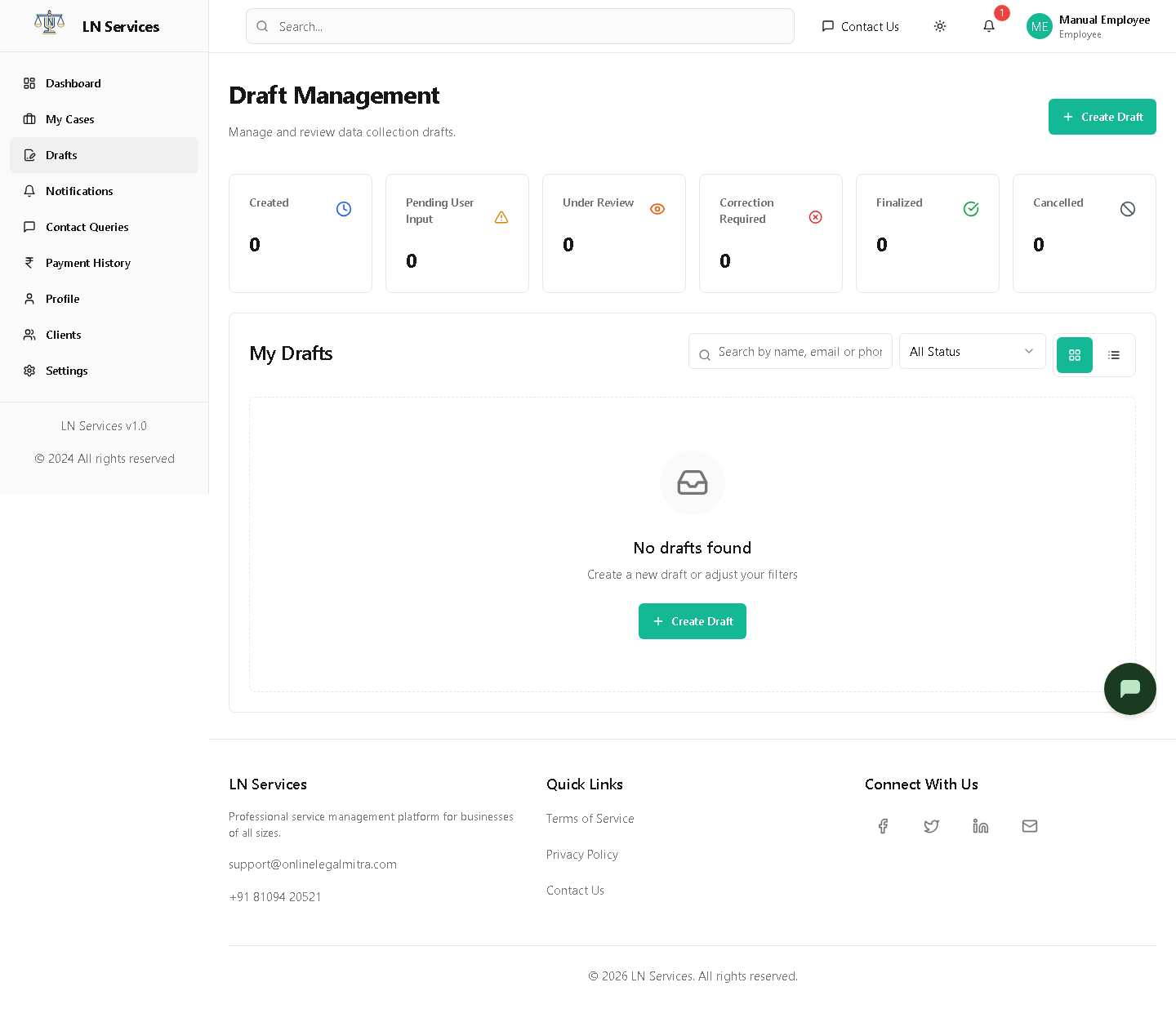
Steps: start a new draft
Click Create Draft.
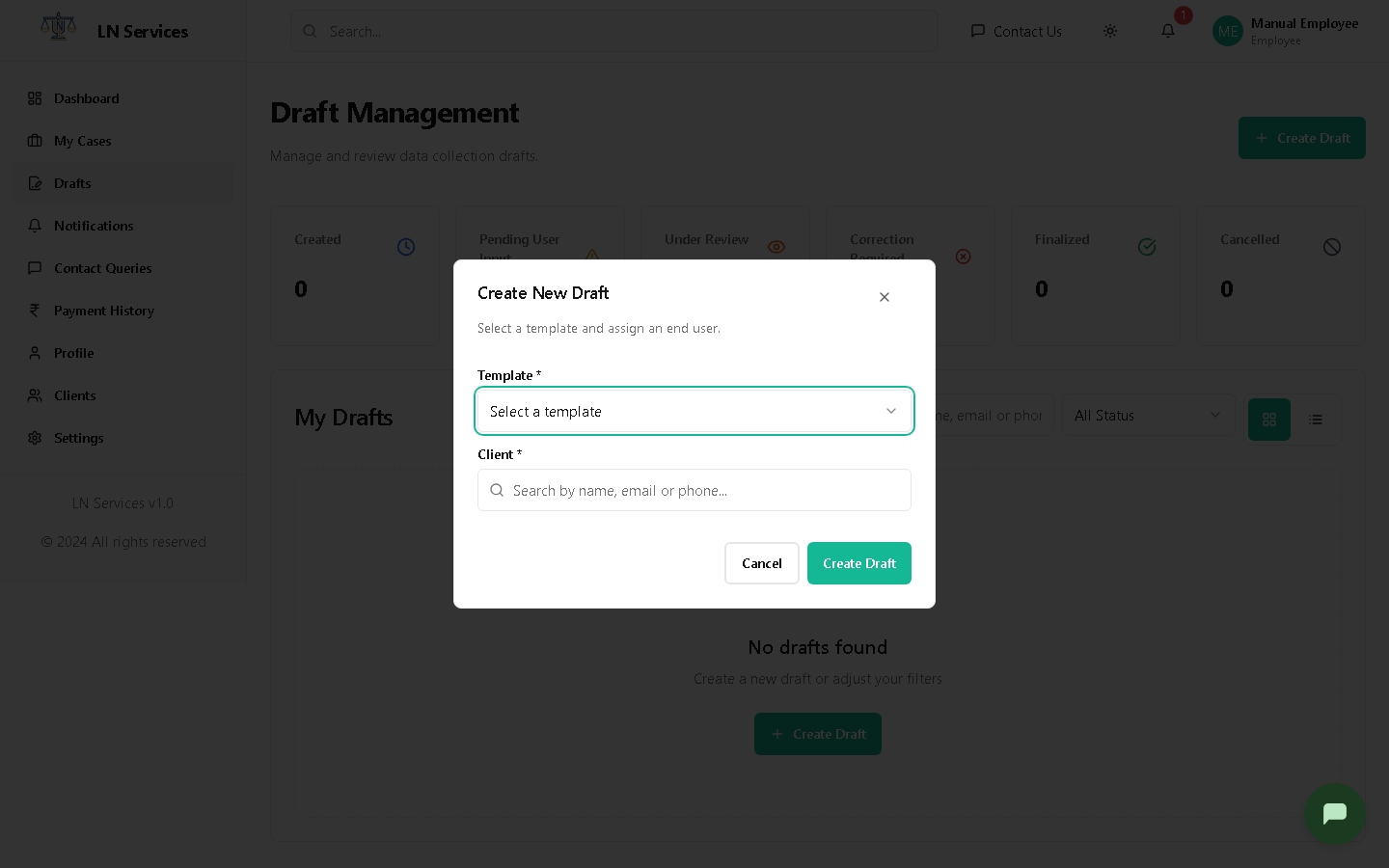
Pick a Template and search for the Client, then click Create Draft — this takes you into the draft's detail page.
Steps: work an existing draft
Click its card (or its ID, in table view) to open it. From there you can Fill Form yourself on the client's behalf, Send to User, Assign it to a colleague, and Request Correction or Approve & Finalize once it's submitted — the exact same detail page and dialogs documented in the Admin Draft System guide, since this page is literally shared code between the two roles.
Technical Notes
GET /api/drafts (scoped server-side to what you're allowed to see), GET /api/draft-templates, POST /api/drafts. EmployeeDraftDetails.tsx re-exports the Admin AdminDraftDetails component directly — there is no separate employee implementation, permissions are enforced by the backend, not the UI.