Appearance
Services & Enrollment
Services
What it's for
Browse the full catalog of services you can enroll a client into.
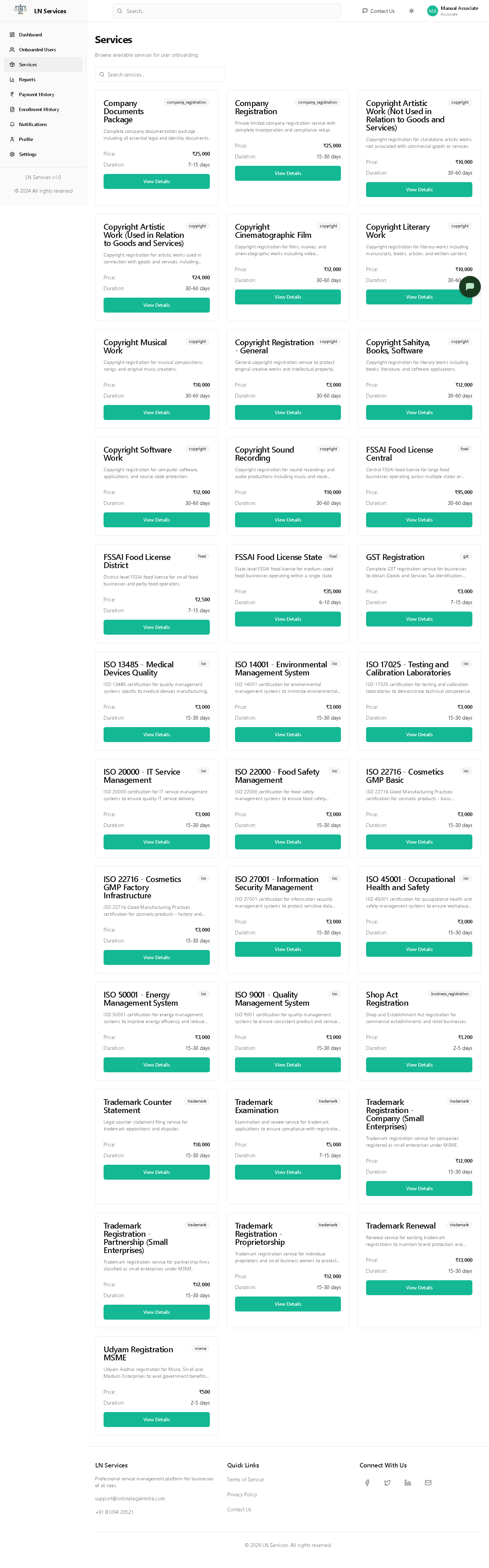
Steps
Click View Details on a card.
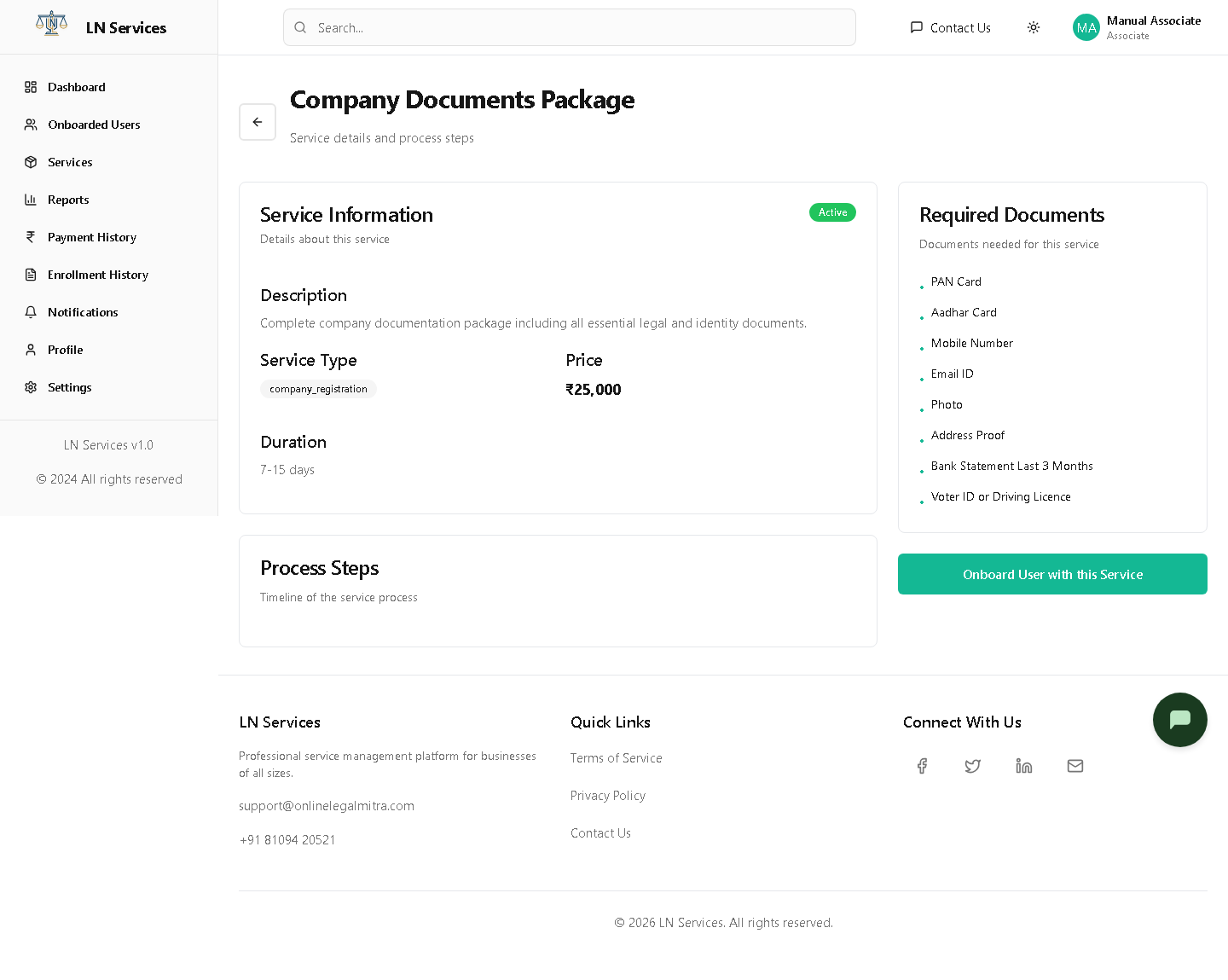
Known bug
The Onboard User with this Service button here is hard-coded to navigate to /agent/users instead of /associate/users. Since that page is restricted to the agent role, you'll be blocked from reaching it. Use the Onboarded Users link in the sidebar instead — it gets you to the same place.
Technical Notes
GET /api/associate/services, GET /api/associate/services/:id. The bug above is a copy-paste leftover in associate/ServiceDetails.tsx (line still reads navigate('/agent/users')) — a one-line fix.
Enroll a client
What it's for
The actual enrollment + payment flow, reached via Enroll in Service from Onboarded Users.
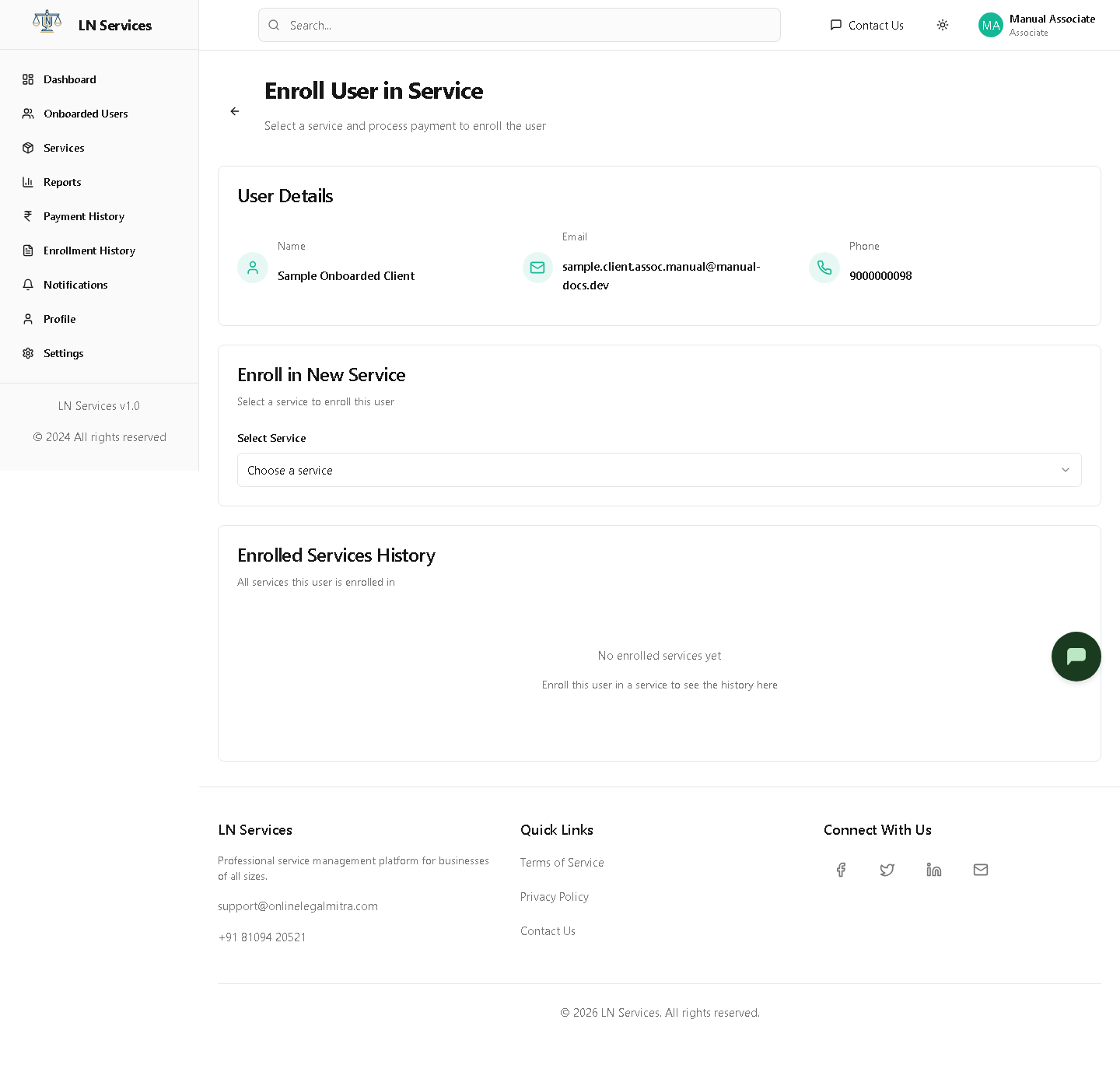
Steps
- Choose a service from the Select Service dropdown.
- Review the price/duration summary, then click Proceed to Payment.
This opens the same Complete Payment dialog documented in the Agent guide — it's the identical shared component. Associates, like Agents, only see the Razorpay Online Payment method; Cash and other manual methods are staff-only.
Technical Notes
GET /api/associate/users for the client lookup. Payment itself goes through the same shared PaymentDialog.tsx component used by every role.