Appearance
Client Onboarding
Onboarded Users
What it's for
Everyone you've personally onboarded, with a one-click path to enroll them in a service.
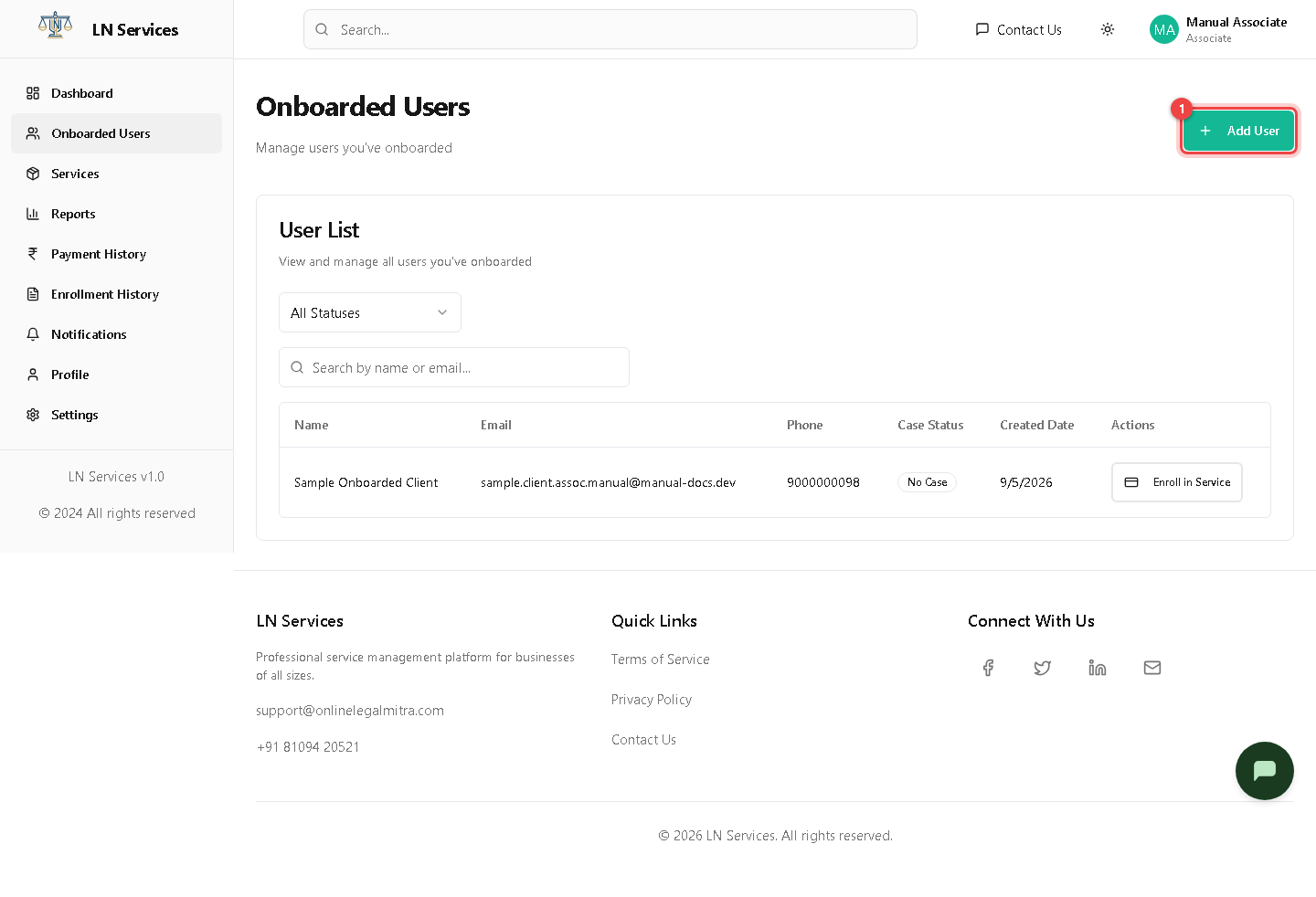
Steps: onboard a new client
Click Add User.
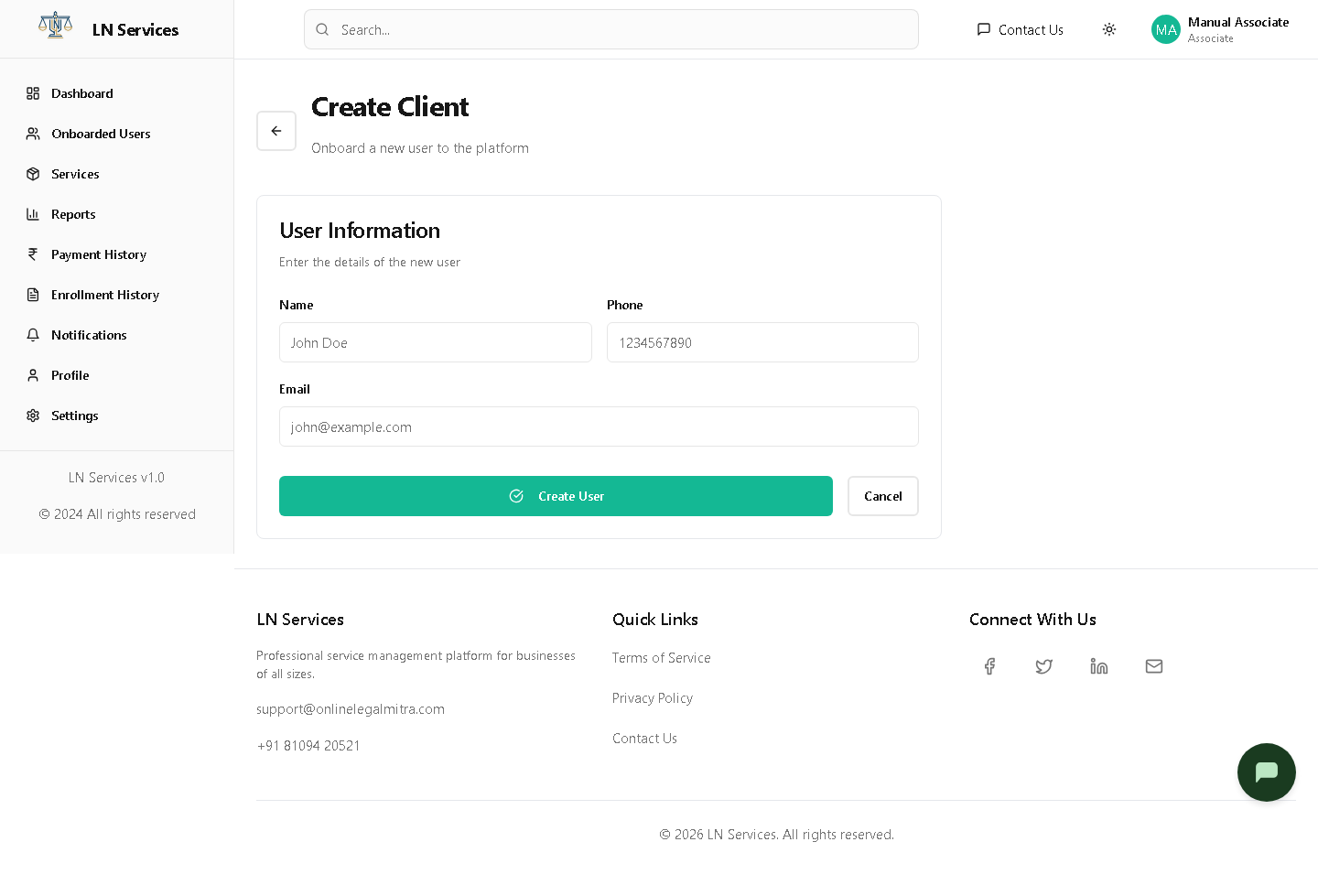
Fill in Name, Phone, Email and click Create User — the client gets an emailed link to set their own password. Once created, click Enroll in Service on their row (see Services & Enrollment).
Technical Notes
GET /api/associate/users, POST /api/associate/users — a parallel, separately-implemented endpoint set from Agent's /api/agent/users, but functionally identical.